
Who it's for
Who is it for? From individuals to 10,000-user enterprises
The free, open-source Community edition covers individuals and small teams; the Enterprise edition is built for scale.
Individuals & hobbyists
Send and receive mail on your own domain, with your data on your own server. Storage and protocols are fully open — back up and migrate any time, locked in to no one.
Small & medium businesses
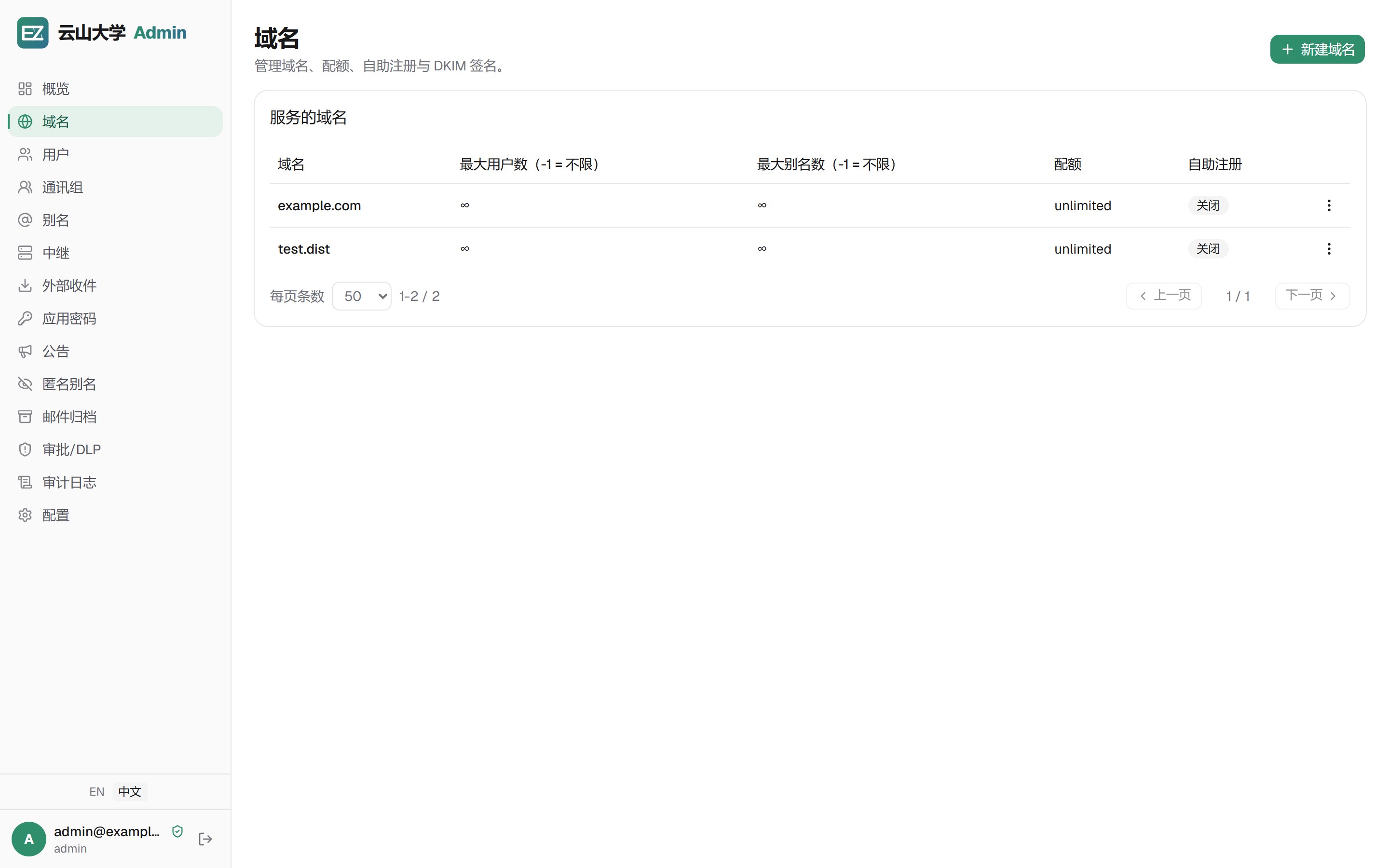
Domains, mailboxes, aliases and DKIM are configured right in the admin console. No dedicated mail admin required to keep team mail in your own hands.
Large enterprises
The Enterprise edition is the same engine in its distributed form: TiDB + object storage, multi-replica control-plane HA, all the way to fully multi-active engines — scaling means adding nodes.
Developers & private deployments
Pluggable storage backends and one-click config import/export, running natively on Linux, macOS and Windows. Deeply customizable, or delivered as a private deployment.
Why self-host
What problems does self-hosting solve?
Public mailboxes are convenient, but your data, privacy and freedom to move all end up in someone else's hands. Mailez takes care of the hardest parts of self-hosting.
Data sovereignty
Mail is an organization's core asset. Public mailboxes put it on someone else's servers; self-hosted, mail lives entirely on your own servers and storage — PGP encryption and audit logs included.
Spam & phishing
Baseline spam filtering is on by default, with optional Rspamd scanning; DKIM / DMARC verification and remote-image blocking stop tracking pixels and phishing at the source, instead of letting them into the inbox.
Predictable cost
The community edition is free and open source. The enterprise edition is a perpetual license tiered by mailbox count — no hidden per-capacity or per-domain surcharges; add mailbox licenses when you need them.
No lock-in
Standard SMTP / IMAP / POP3 protocols and open storage backends mean you can swap servers and migrate data any time — with a built-in migration tool for traditional mail setups. Open-source self-hosting is never a one-way door.
Why Mailez
Where we put in the work
The rest is on the features page — these are the highlights.
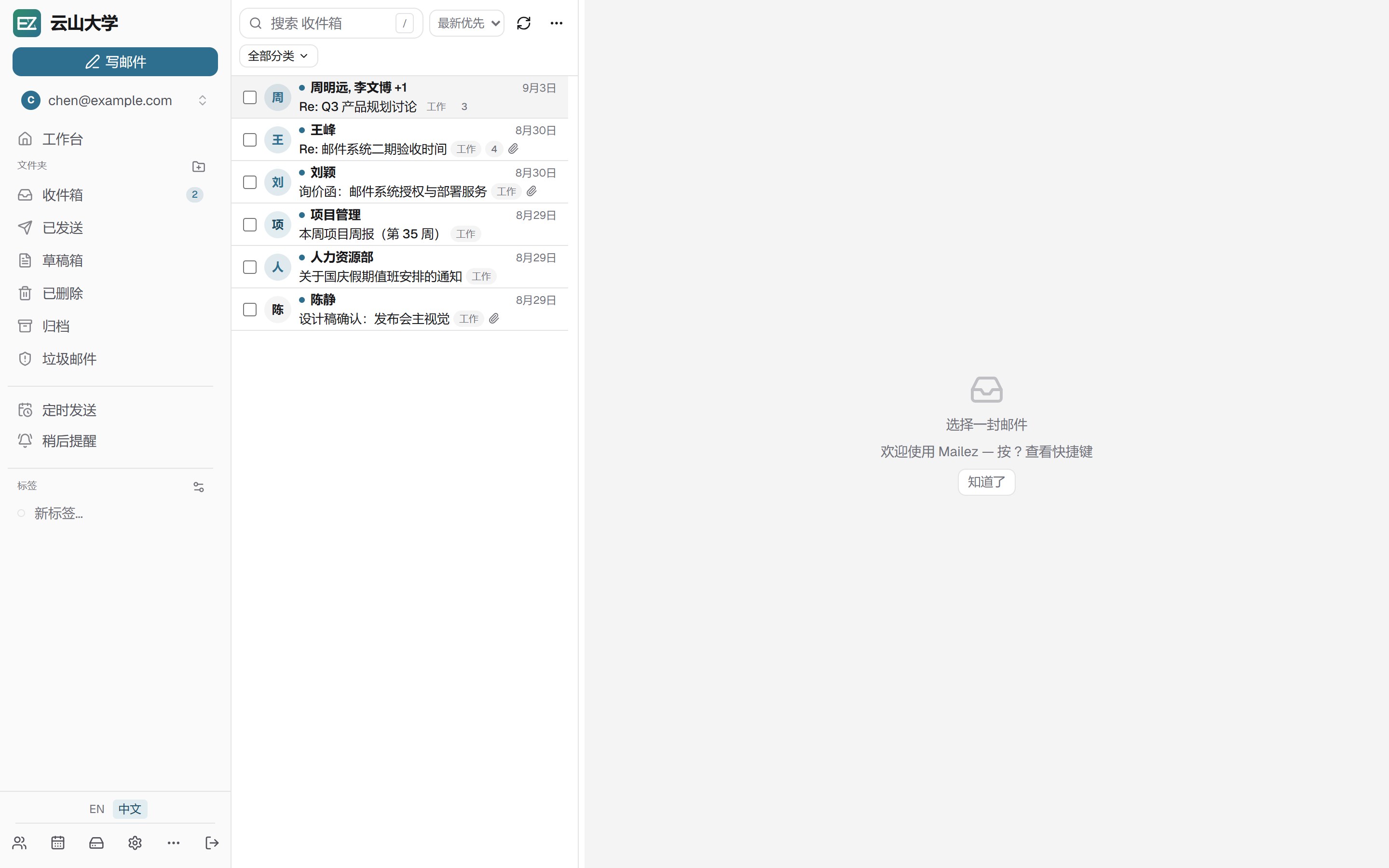
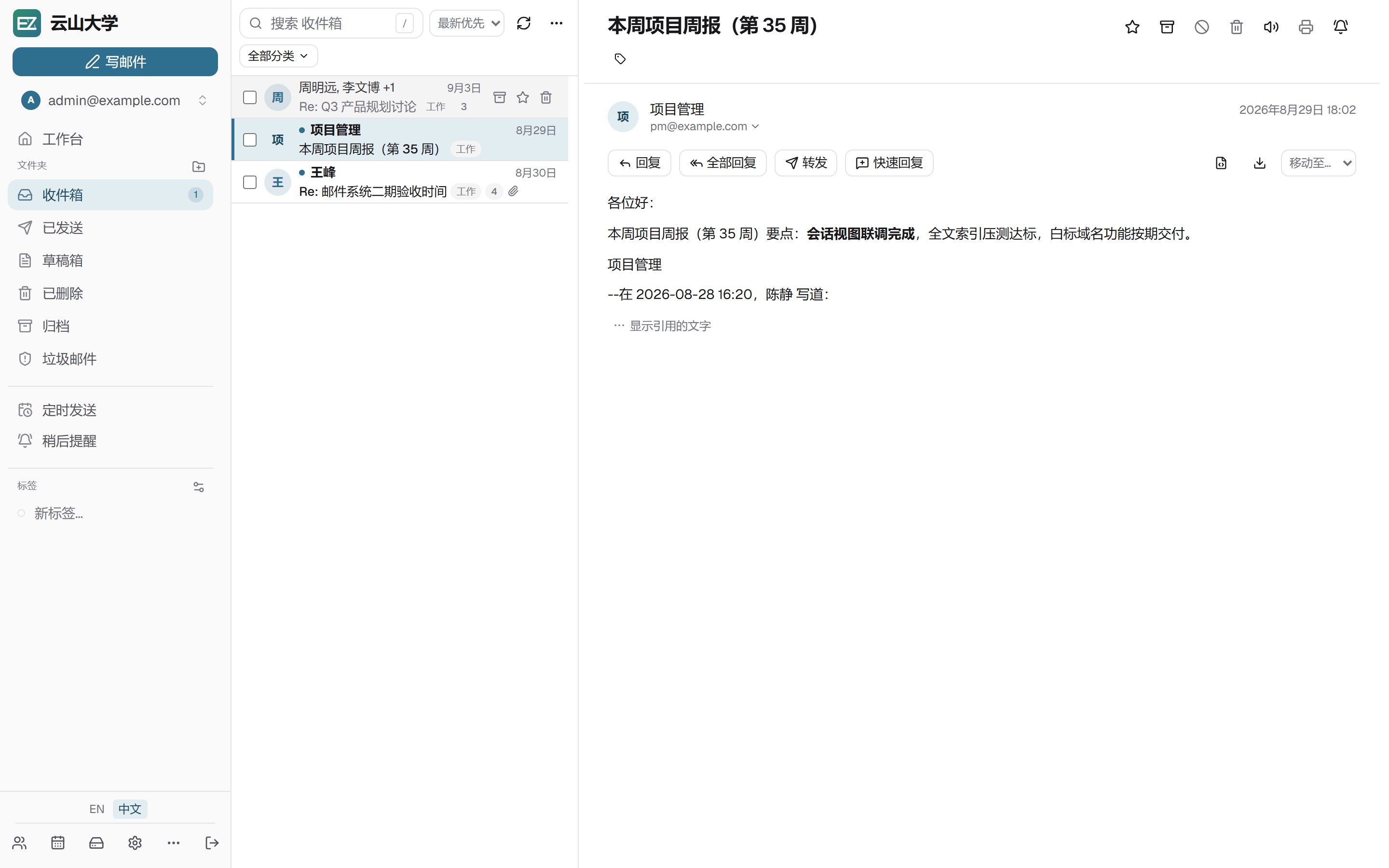
Native-feel Webmail
Three-pane layout, conversation view, folded quotes, instant search and a keyboard-first design — ten-thousand-message lists still scroll smoothly.
An admin console that doesn't fight you
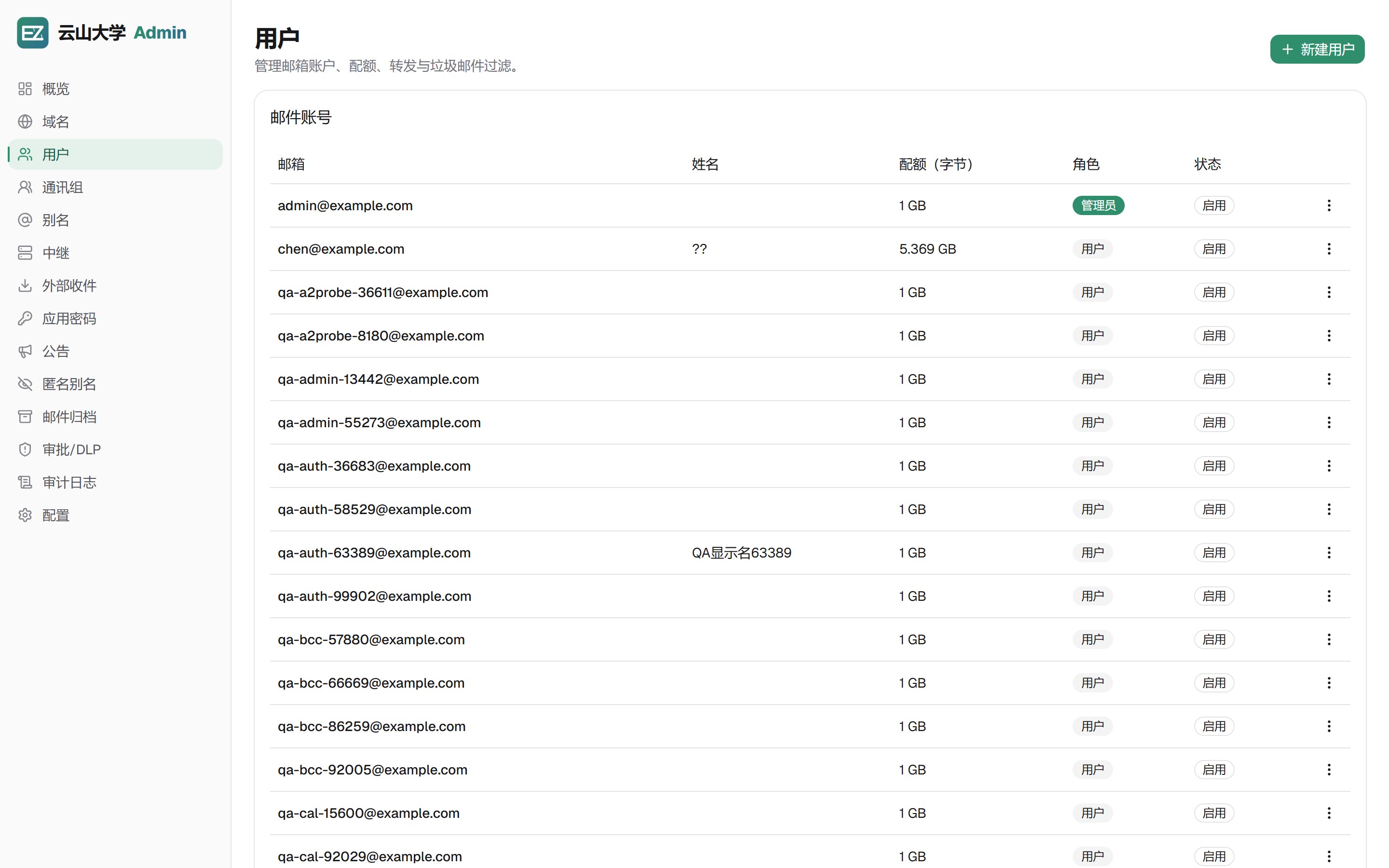
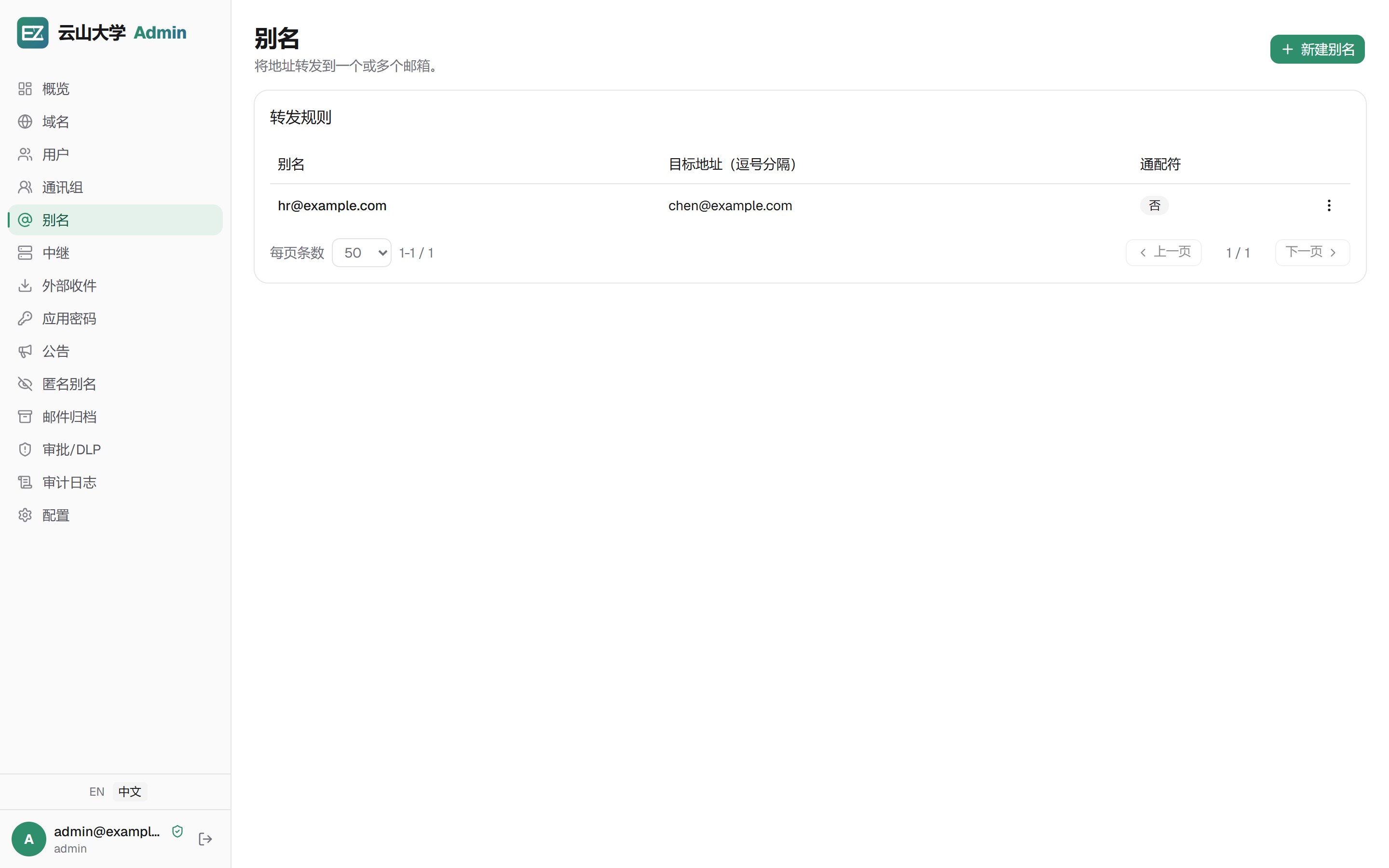
Domains, mailboxes, aliases, relays and DKIM live in the console; the Health page live-checks MX / SPF / DMARC / DKIM / blocklists per domain with fix hints, and the DNS wizard lists every record with live verification. Audit logs, role permissions and config import/export included.
Security & privacy
Baseline anti-spam built in, optional Rspamd; DKIM / DMARC, MTA-STS / DANE, attachment scanning. PGP / S/MIME, 2FA and remote-image blocking — data stays entirely on your own servers.
Optional AI assistant
Long-thread summaries, tone-aware drafting, inbox triage and semantic search. Models are configured by your organization's admin, with support for on-premises local models.
Mobile work & sync
ActiveSync gives iOS Mail / native mobile send and receive; CardDAV / CalDAV sync contacts and calendars to phones and desktop clients.
Enterprise compliance & control
Outbound DLP approval, full mail archive with review, and AD / LDAP directory integration — ready for regulated industries and audit requirements.
From one box to a cluster
Stateless backend/frontend replicas; scheduled sends are atomically claimed (never duplicated) and background workers fail over within 60 seconds via a lease. Start small, scale by adding replicas.
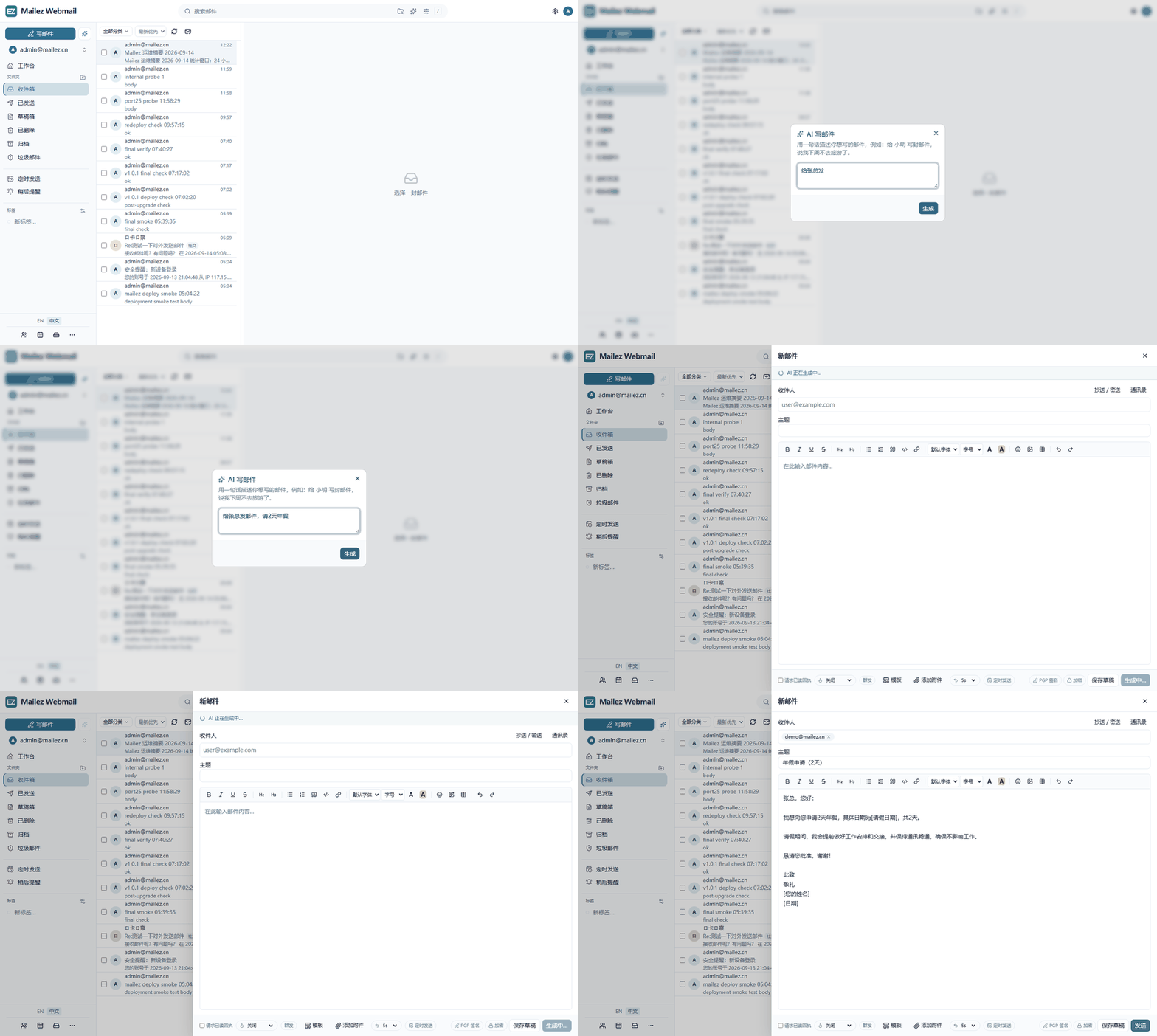
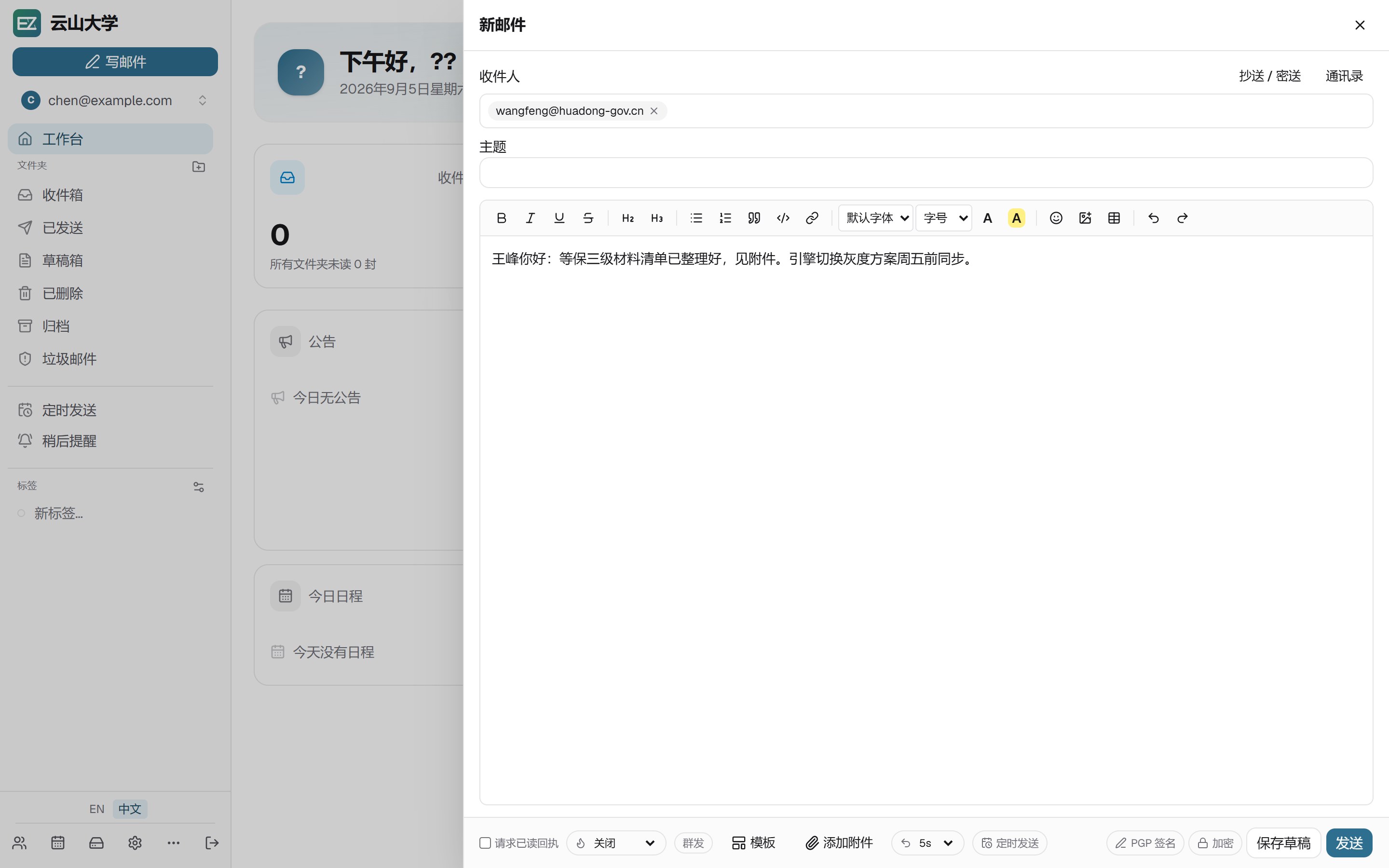
AI compose: one sentence, a finished email
Click ✨ in the composer and describe what you want (here: “email Mr. Zhang, two days of annual leave”). The model streams back the whole message — it resolves the recipient, drafts the subject and writes the body in a business tone, leaving placeholders for the details only you know. Your admin picks the model; self-hosted endpoints keep mail data inside your network.
Compatibility
Your familiar clients, all compatible
We don't force you to change your habits. Besides the built-in Webmail, any client that speaks standard mail protocols connects directly.
Built-in Webmail
Three-pane layout, conversation threading, keyboard shortcuts, offline PWA and an AI assistant. Opens in your browser.
Desktop & mobile clients
Every mainstream desktop and mobile mail app connect over standard IMAP / SMTP / POP3.
Full protocol support
SMTP 25/587/465, IMAP 143/993, POP3 110/995, ManageSieve 4190, all with implicit TLS; mail ports can be exposed directly to the public internet.
App tokens
Generate dedicated app tokens for third-party clients without exposing your master password; each token is managed and revoked independently.
How it works
One command, a complete mail system
No Linux mail expert, no assembling a dozen components. Start from the release package or source; the interactive installer handles preflight checks and key generation for you.
# 1. Get the release package (or clone the source)
cd deploy
cp mailez.env.example mailez.env
# edit MAILEZ_SECRET_KEY / MAILEZ_DOMAIN / MAILEZ_HOSTNAMES

# 2. Start (Community edition, production shape)
./deploy/mailezctl.sh up ce

# 3. Create the admin account
docker compose --env-file deploy/mailez.env -f deploy/docker-compose.ce.yml exec backend mailez-seed

# or let the interactive installer do it all
./install.sh:8082Admin console
:8083Webmail
:8081Backend API
25/587/993…Mail protocols
Platform
One engine, two editions
Community and Enterprise run the same in-house Mailezine engine — identical protocol capabilities and mail features. Editions differ in exactly two things: storage scale and licensed features.
Community · open source & free
The Mailezine engine in its single-node form: Pebble KV + local-FS storage with a SQLite control plane (MySQL/PostgreSQL optional). Deploy it and the whole mail platform is there — built for individuals, small teams and budget-first scenarios.
Enterprise · distributed + enterprise features
The same engine switches to distributed storage: pluggable TiDB KV + RustFS/S3, elastic scaling and multi-instance HA — plus compliance archive, DLP and AI licensing.
Webmail + Admin + Mobile Sync
Three-pane layout, threading, shortcuts, offline PWA and AI assistant; the admin console covers domains, mailboxes, distribution groups, aliases, DKIM, archive, DLP, audit logs and roles; EAS / CardDAV / CalDAV let phones and desktop clients connect natively — shared by both editions.
A smooth upgrade path
Both editions share the same backend control plane; an upgrade only touches storage and licensing — the management UI and your habits stay unchanged. Traditional legacy MTA/IMAP stack deployments migrate in place with the built-in tool.
Benchmark
In-house engine vs the traditional mail stack: measured results
A 10,000-user enterprise load model, measured on the same machine with the same load tool — an A/B comparison of both stacks.
| Metric | Traditional stack (legacy MTA/IMAP stack) | Mailezine | Gain |
|---|---|---|---|
| Inbound throughput (20 conns) | 3.1 msg/s | 13.6 msg/s | 4.4× |
| Inbound p50 latency | 6.19 s | 1.35 s | 4.6× |
| Submission throughput (1000 senders) | 2.2 msg/s | 6.8 msg/s | 3.1× |
| IMAP FETCH p50 | 35.97 ms | 20.96 ms | 1.7× |
| Queue delivery rate | 2.1 msg/s | 7.2 msg/s | 3.4× |
| Enqueue→delivery p50 | 35.6 s | 5.30 s | 6.7× |
| Max queue backlog | 122 msgs | 0 msgs | zero |
| Idle memory (full stack) | ~162 MiB | ~6.4 MiB | 1/25 |
| Peak load memory | ~270 MiB | ~73 MiB | 1/3.7 |
* Internal benchmark (September 2026 re-run): single host 14 vCPU / 32 GiB, driven by the same load tool; each stack paired with its own control plane, compared side by side on the same machine. Method and scripts are in the repos for reproduction.
Trust
Transparent and verifiable
Open source & auditable
AGPL-3.0 licensed, fully public code — inspect, modify and redistribute.
Reproducible benchmarks
Same load, same hardware, run A/B in reverse order twice with consistent conclusions. The method is in the repo — reproduce it yourself.
In-house engine
Mailezine is the single binary powering every edition — SMTP, IMAP and Sieve implemented in-house, Rspamd anti-spam built in, zero IPC overhead, natively cross-platform.
Standard protocols
SMTP / IMAP / POP3 / ManageSieve fully compatible — never bound to any client or vendor.

QQ Group
Group 656868 · mention "Mailez" when joining — feedback and community support (Chinese).
Usage questions, deployment tips and feature requests live in the group; for sales and trial licenses see the pricing page, reach sales QQ 58786482, or email contact@mailez.cn.
Ready to take your mail into your own hands?
Fully self-hosted data, no third-party services — one command to begin.